

Previews
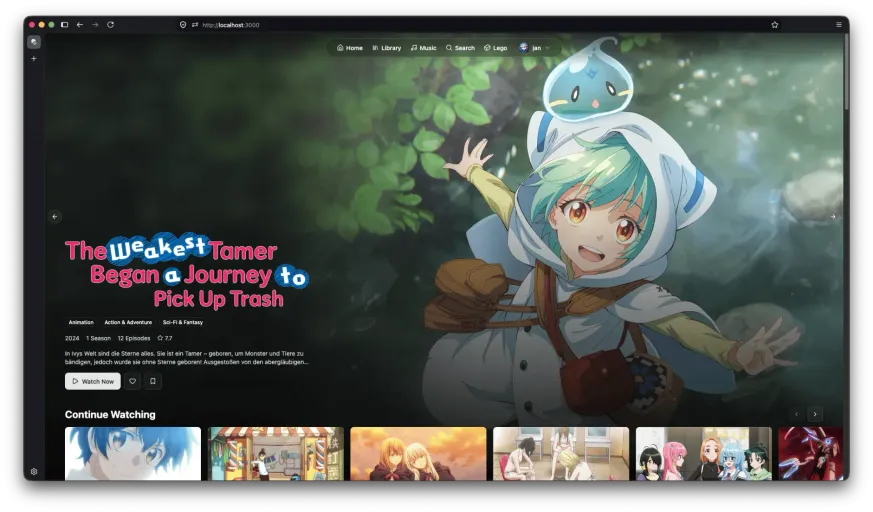
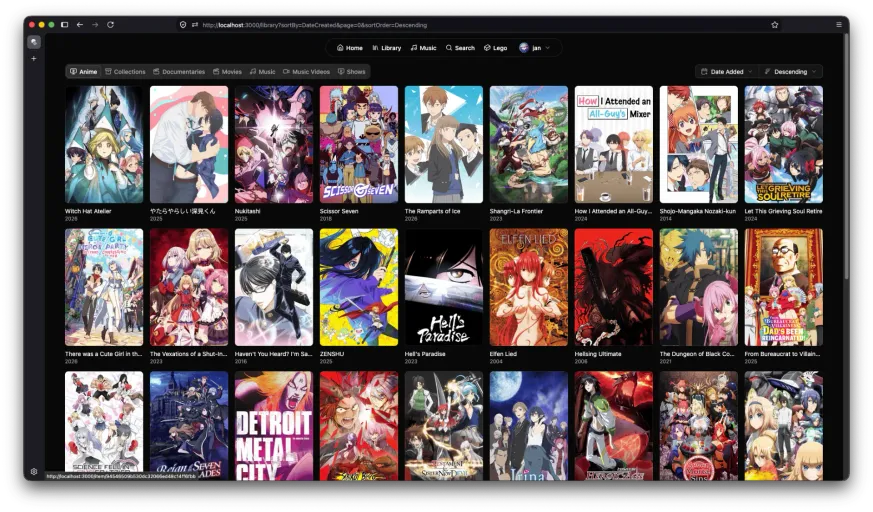
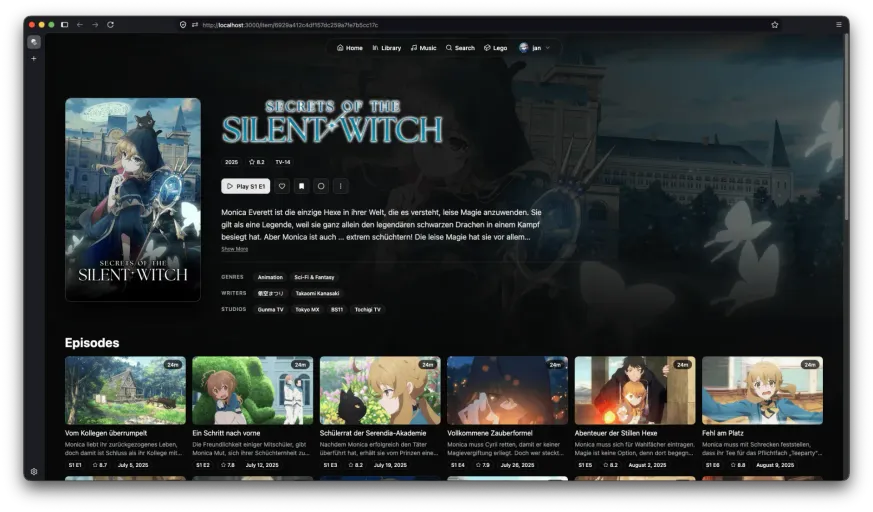
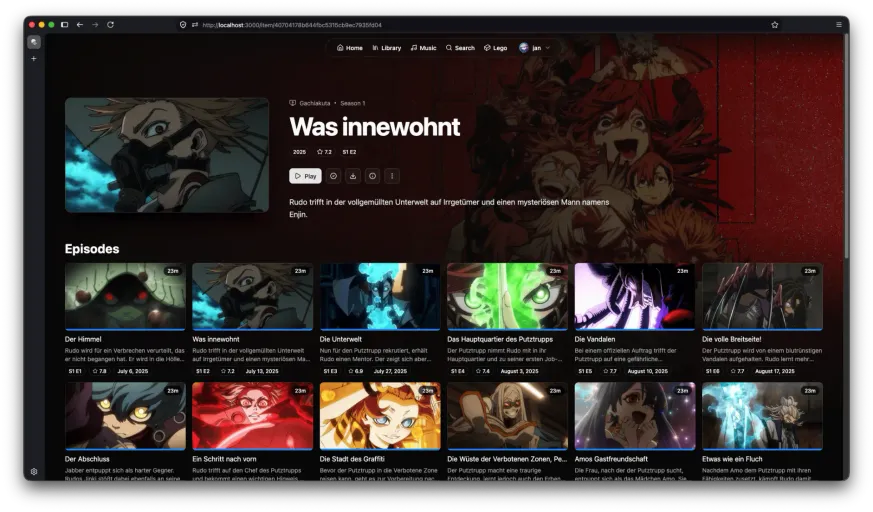
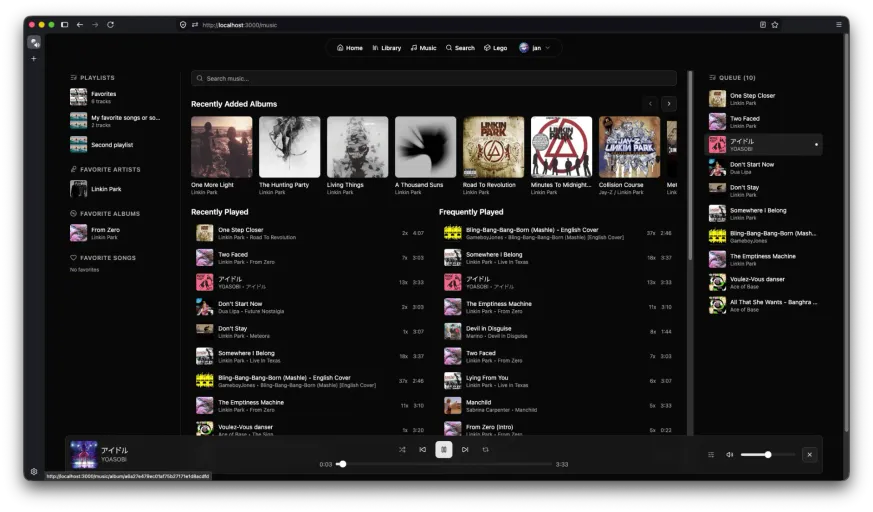
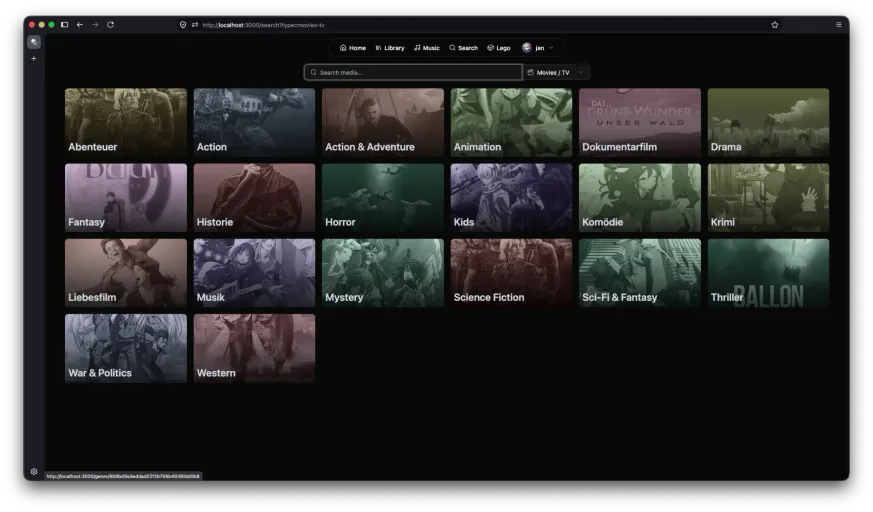
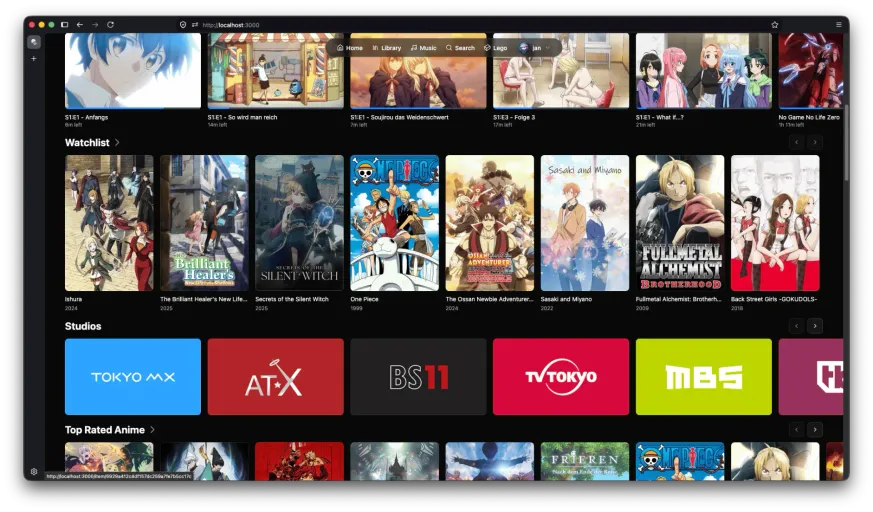
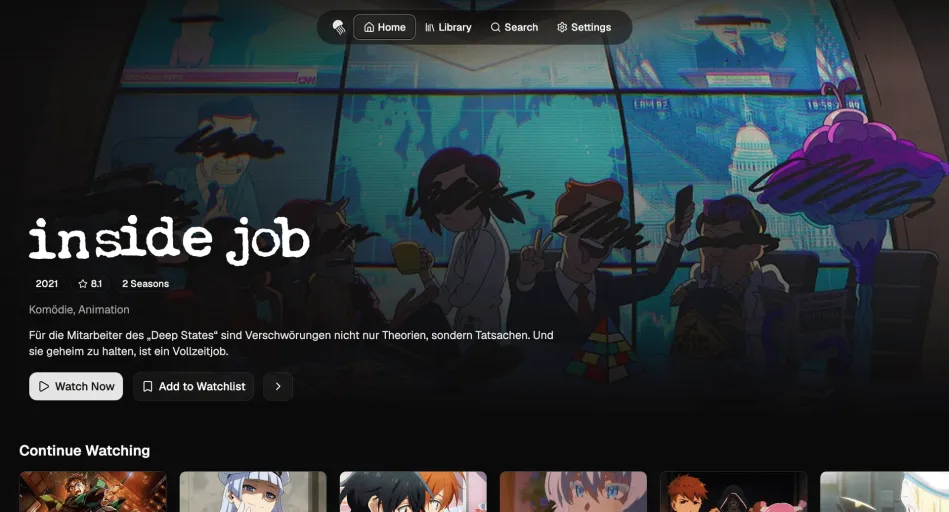
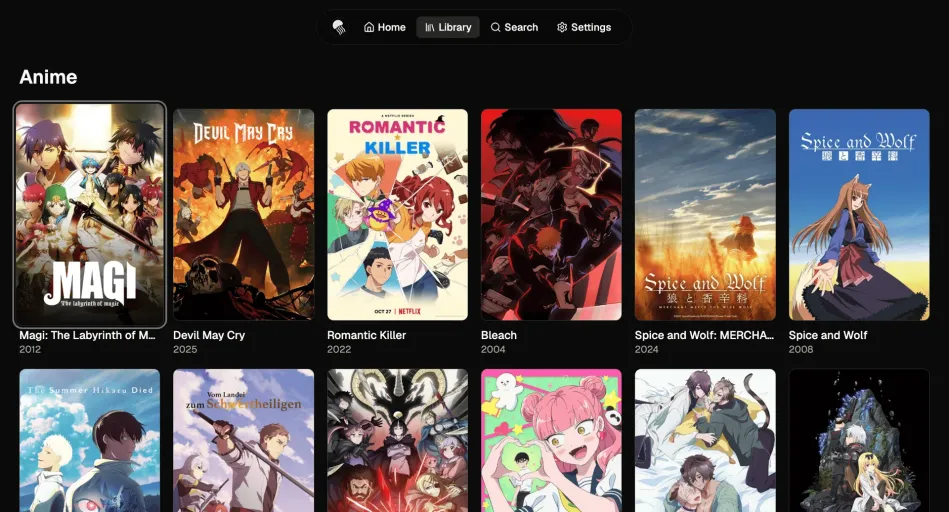
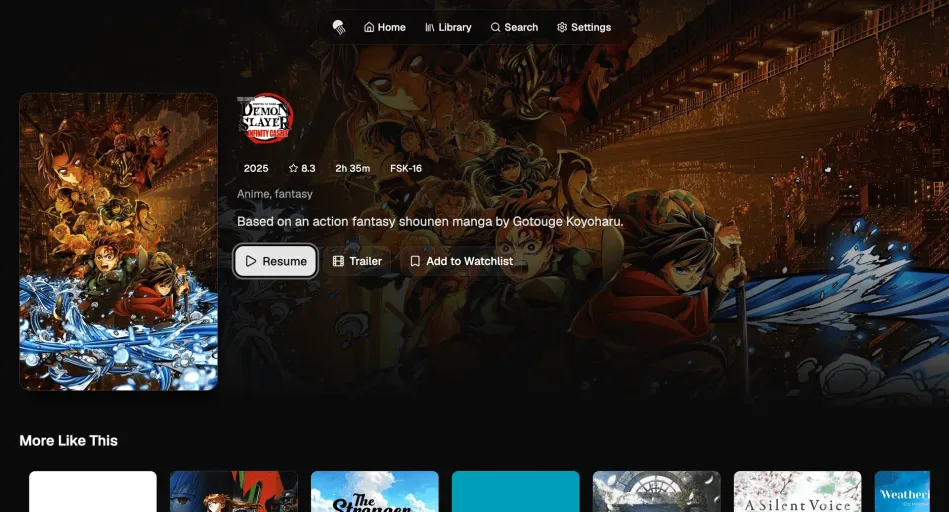
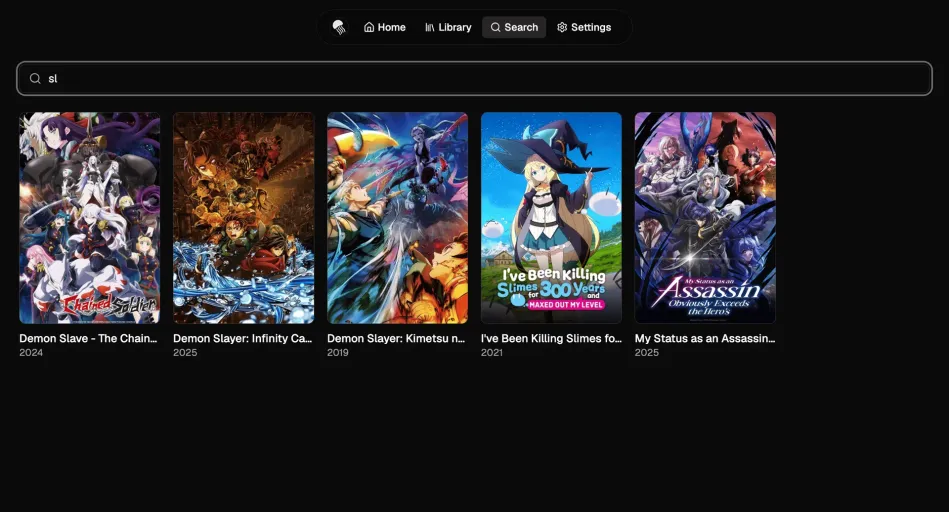

Pelagica is a web, desktop, and TV client for Jellyfin built using React. It aims to provide a fast, modern, and customizable user experience for browsing and watching your media library. It’s available as a self-hosted web app, a native desktop app for macOS, Windows, and Linux, and a TV app for Samsung Tizen and LG webOS.
Features
- Customizable Sections: Tailor your homepage with sections like “Continue Watching”, “Recently Added”, or completely custom queries.
- Media Bars: Add custom media bars to feature specific content.
- Search: Quickly find media across your library from anywhere using
Cmd+K/Ctrl+K. - Video Player: Integrated video player for movies and TV shows.
- Music Player: A music player that allows you to listen to your music albums or playlists while browsing your library.
- Responsive Design: Works seamlessly on both desktop and mobile devices.
- Desktop App: Native apps for macOS, Windows, and Linux, built with Wails.
- Theming: Light and dark mode support as well as custom themes
- Localization: Supports multiple languages through community contributions.
If you want to suggest new features or report bugs, please use the GitHub Issues section.
Integrated Services
- Seerr: Discover new movies and TV shows to watch, and request them without leaving Pelagica.
- Streamystats: Get your streamystats recommendations directly on your home page.
- kefintweaks Watchlist: View and manage your kefintweaks watchlist within Pelagica.
Web Demo
You can find a live demo of Pelagica web at:
The demo instance has the jellyfin.streamyfin.app server with a username preconfigured, so you just have to click “Login” to test it out. If your own Jellyfin server is publicly accessible, you can also use that by entering the server URL and your credentials.
For production use, you should self-host Pelagica using Docker or another method.
Thank you to Streamyfin for providing a demo Jellyfin server for testing!
Discord
For discussions about Pelagica, join the JellyfinCommunity and head to the #pelagica channel.
Platforms
Features
Related plugins
 Pelagica Jellyfin Plugin
Installation instructions
You can find a web installation instruction in the docs.
AI-Assisted
I treat AI like any other tool I use. It is not a seperate "person" that can code for me or design my software. I use it for research, for finding bugs or generating small code snippets.
Added on September 4, 2026 by KartoffelChipss· Created December 2025
Report