
Previews
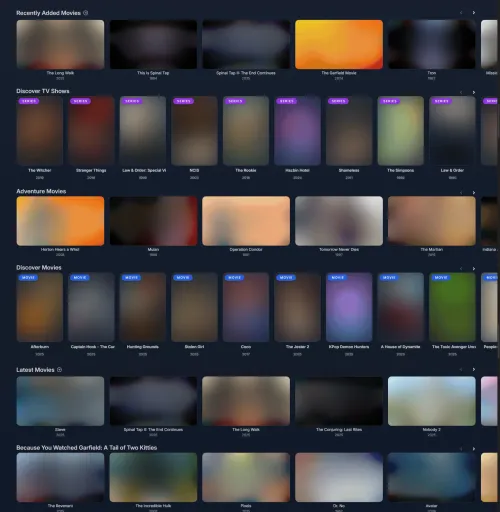
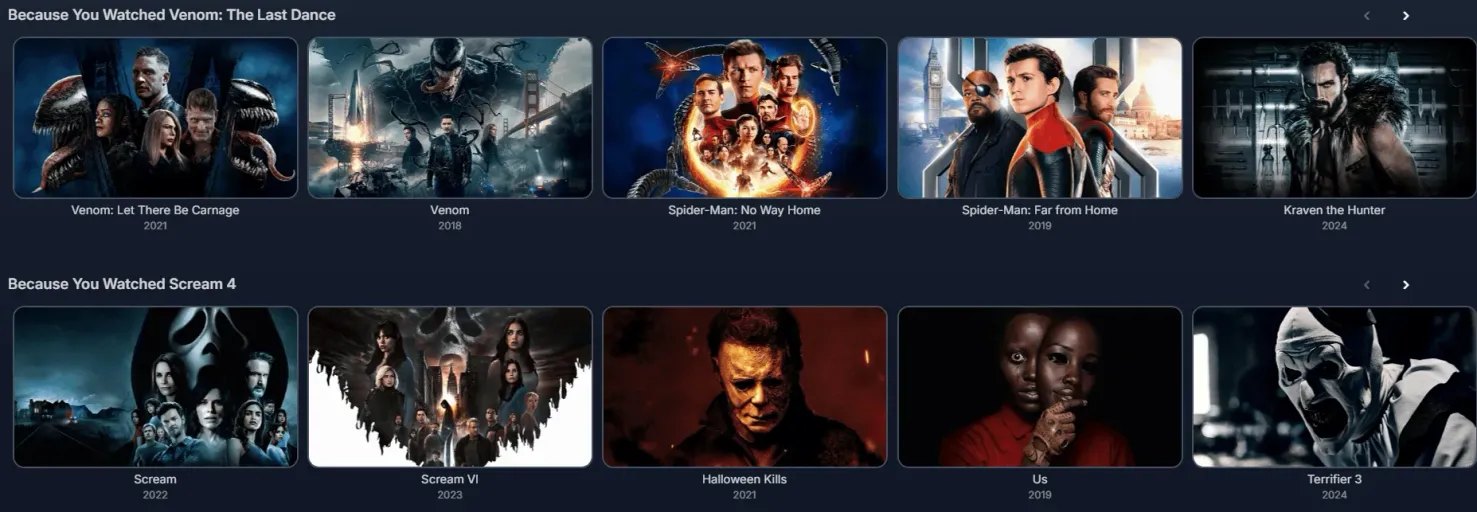

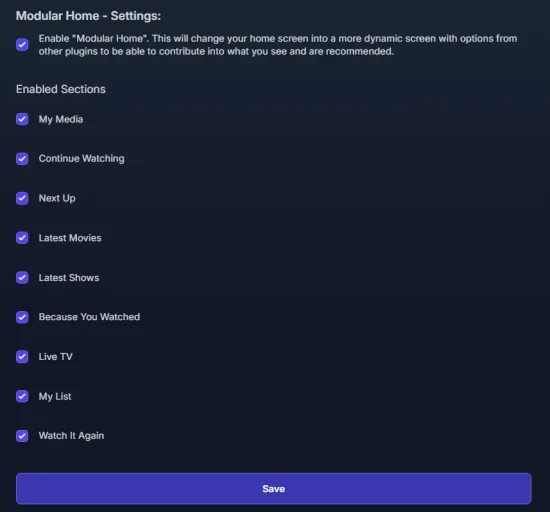
Home Screen Sections (HSS) replaces Jellyfin’s default web client home screen with a fully modular, more “Netflixy” layout. It reimplements the vanilla sections (My Media, Continue Watching, Next Up, Recently Added, Live TV) alongside new ones like Latest Movies/TV Shows, Because You Watched, Watch Again, and weighted Genre picks based on viewing history. Sections powered by Jellyseerr — Discover, Trending, and My Requests — surface media that isn’t in your library yet with a direct request button, and *arr integrations can bring upcoming release calendars into the home screen too.
The plugin requires the File Transformation and Plugin Pages plugins to also be installed, and settings are configured per-user from a “Modular Home” page linked in the hamburger menu.
Categories
Requires
 File Transformation
 Plugin Pages
Compatibility
Requires Jellyfin 10.10.7 or newer.
Installation instructions
- Install the File Transformation and Plugin Pages plugins first. Both are required.
- Add
https://www.iamparadox.dev/jellyfin/plugins/manifest.jsonas a plugin repository in Dashboard → Plugins → Repositories. - Install Home Screen Sections from the catalogue, then restart Jellyfin.
- Open the hamburger menu on the user’s homepage and select Modular Home.
- Enable support and select the sections you want, then save.
- Force-refresh the page (or app) to see the new home screen.
AI Usage Unknown
The developer hasn't disclosed whether AI was used to build this project.
Added on September 5, 2026 by KartoffelChipss· Created January 2025
Report