ElegantFin
by lscambo13
Previews
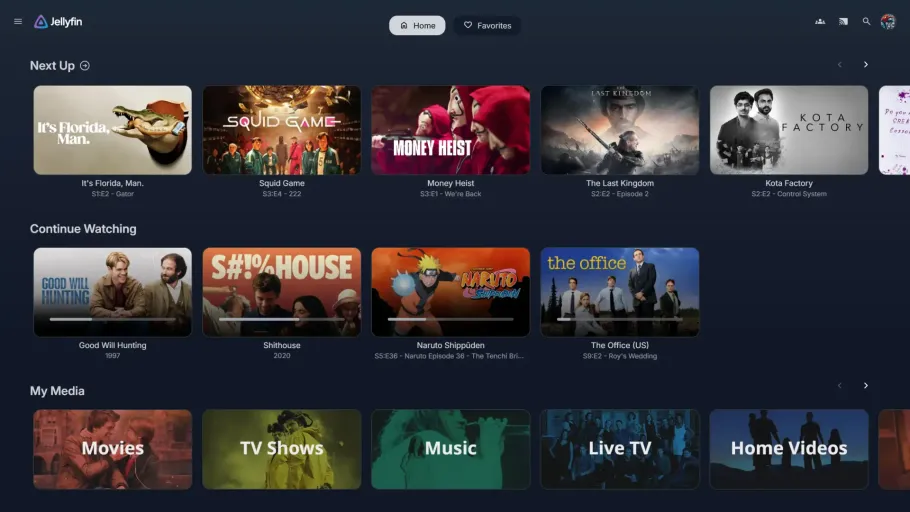
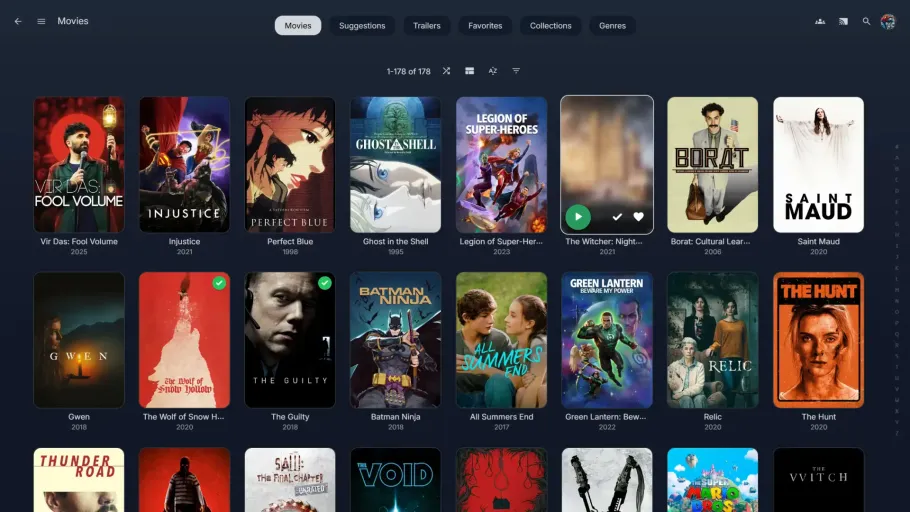


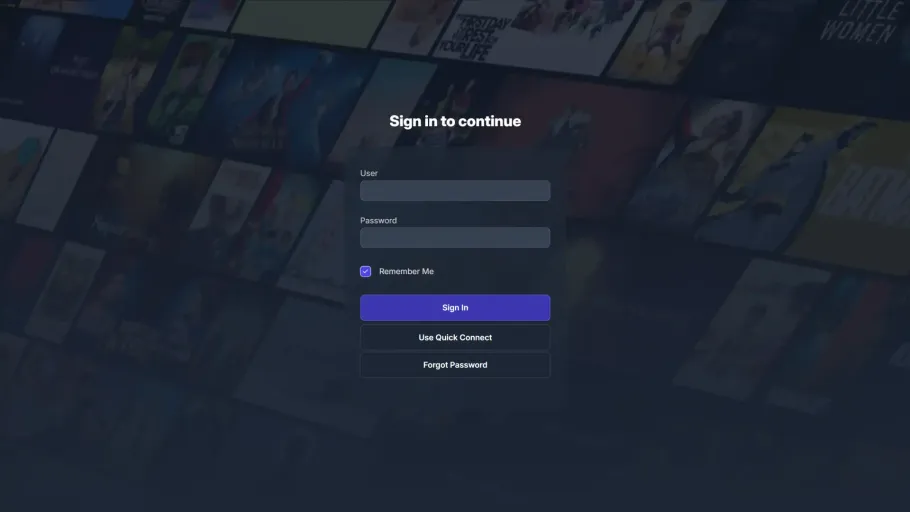
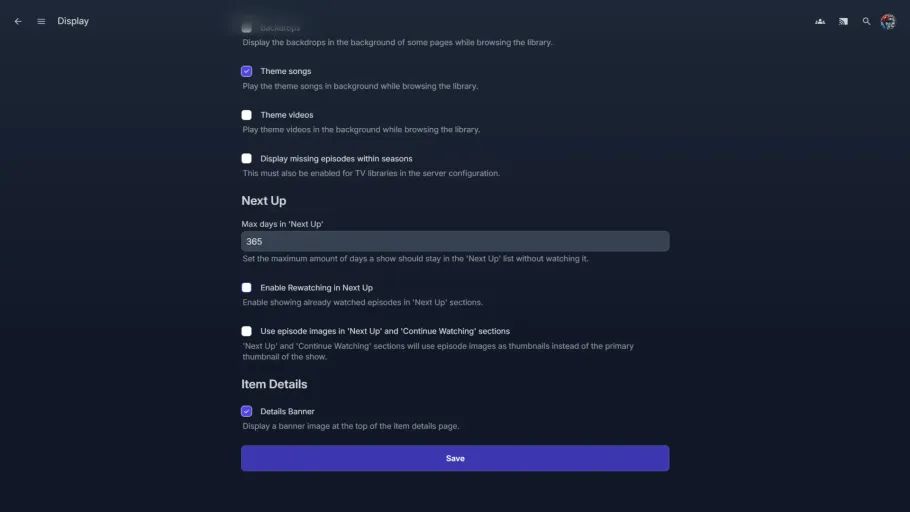
ElegantFin is a Jellyfin theme inspired by Jellyseerr’s design that gives the web client a fresh, modern look with a single import. It adds new layouts and color tones, smoother animations, rounded corners and consistent spacing, and stylish borders, hover effects, and shadows across the interface, while cutting down on unnecessary clutter.
The theme is built to look the same whether you’re on phone, desktop, or TV, and it ships with a handful of optional customizations: custom media covers for libraries, a custom login page background, extra overlay buttons on hover, and a centered play button on cards.
You can find instructions on how to customize the theme in the README.
Installation instructions
Paste the following into a Custom CSS box:
@import url('https://cdn.jsdelivr.net/gh/lscambo13/ElegantFin@main/Theme/ElegantFin-jellyfin-theme-build-latest-minified.css');Server-side (applies to everyone):
- Open Dashboard from the Administration tab in Settings.
- Select the Branding tab (Jellyfin 10.11+) from the sidebar.
- Scroll down to the Custom CSS code box.
- Paste the code above and click Save.
Client-side (applies to your account only):
- Open the Display tab in Settings.
- Scroll down to the Custom CSS code box.
- Paste the code above and click Save.
On Jellyfin v12, set User Settings → Display → Display Mode to Desktop (Legacy) on desktop or Mobile (Legacy) on mobile. The new non-legacy UI isn’t fully supported yet.
AI Usage Unknown
The developer hasn't disclosed whether AI was used to build this project.
Added on September 5, 2026 by KartoffelChipss· Created December 2024
Report